

Testing & QA: How to Make Sure Your App Works Flawlessly
December 25, 2025
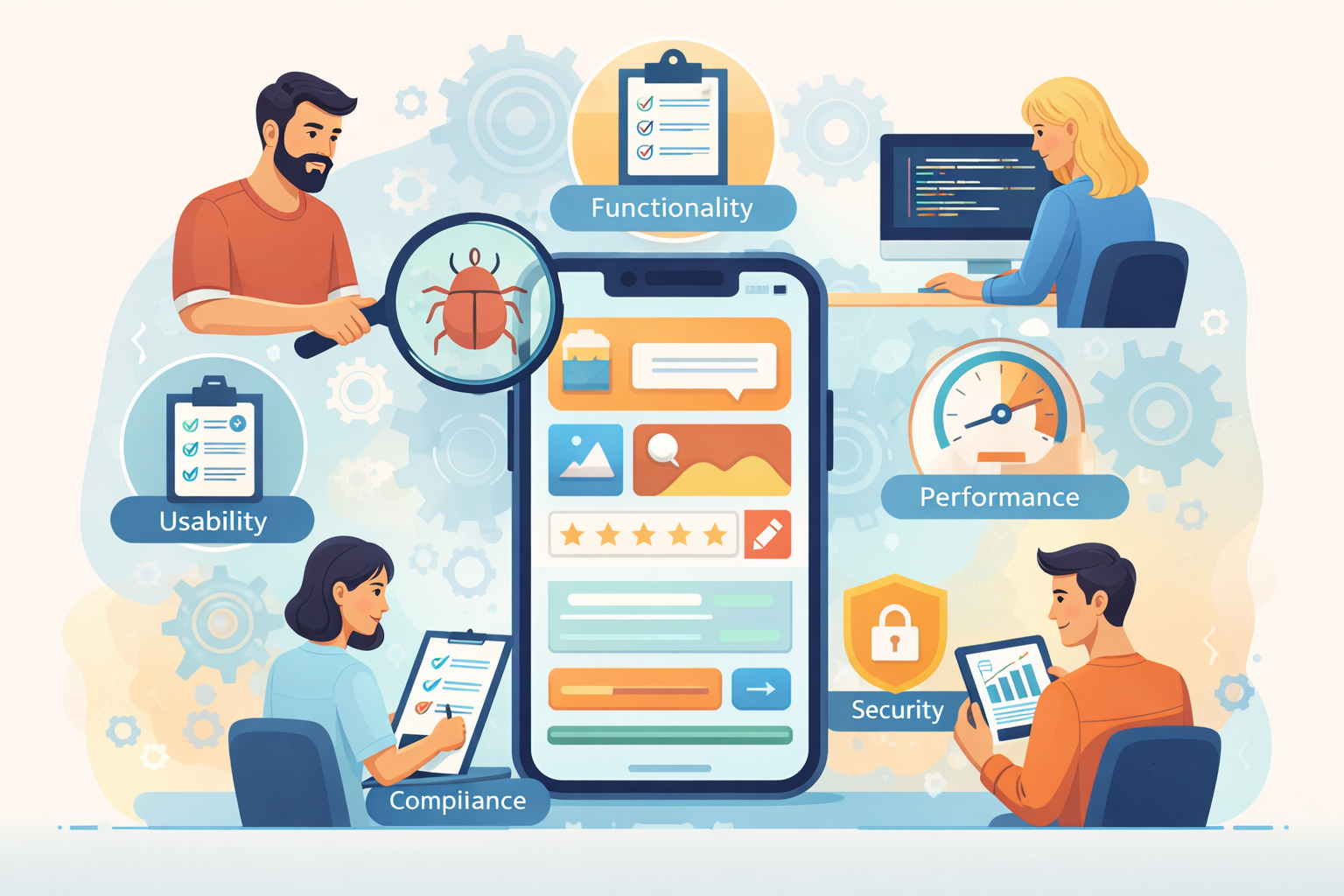
Building an app that looks great is only half the battle. Even the most innovative ideas can fail if users encounter bugs, crashes, or slow performance. That’s where testing and quality assurance (QA) come in. Ensuring your app works perfectly is not just a technical requirement—it directly impacts user experience, retention, and overall business success.
Why Testing & QA Are Critical for App Success
Preventing Costly Mistakes Early
Bugs and performance issues discovered after launch can be expensive. App errors not only frustrate users but also increase support costs and hurt your brand reputation. By integrating QA throughout the development lifecycle, companies can identify potential problems early, reducing rework and improving efficiency.
Professional app development teams often follow structured QA processes to make sure that each feature performs as expected. Businesses that invest in testing see a higher return on their app development budget.
Protecting User Experience
Even minor glitches—like slow loading screens, unresponsive buttons, or unexpected crashes—can lead to app abandonment. Users expect a flawless experience, and QA ensures that every interaction meets these expectations. Testing scenarios that replicate real user behavior are essential to deliver a polished, intuitive app.
Different Types of App Testing
Functional Testing
Functional testing ensures that each app feature works according to requirements. It covers interactions, inputs, outputs, and system responses. For example, if your app includes payment integration, functional testing confirms that transactions process correctly under different conditions.
Performance Testing
Performance testing evaluates speed, responsiveness, and stability under varying conditions. High traffic, limited device memory, or poor network connectivity can all affect performance. Tools for performance testing simulate these conditions, helping developers optimize the app before release.
Usability Testing
Usability testing focuses on the human experience. It examines navigation, layout, and design to ensure users can accomplish their goals effortlessly. Gathering feedback from real users can highlight pain points that might not be obvious to developers.
Security Testing
Security is critical, especially for apps handling sensitive information. QA teams test for vulnerabilities, data leaks, and potential breaches to ensure that user data remains safe. Incorporating security checks early can prevent expensive fixes and legal issues later.
Compatibility Testing
Apps must work across different devices, operating systems, and screen sizes. Compatibility testing ensures that functionality and design remain consistent, whether the user is on an iOS smartphone, Android tablet, or other devices. For businesses considering native vs cross-platform apps, understanding compatibility requirements is vital.
QA Workflow in App Development
Planning & Test Case Design
Effective QA starts with planning. This includes identifying features to test, defining success criteria, and preparing test cases. Each test case outlines input conditions, expected outcomes, and steps for execution. Businesses that carefully plan their QA can better align testing efforts with project goals and development schedules.
Automated vs Manual Testing
Automated testing involves scripts that run tests repeatedly, ideal for regression or repetitive tasks. Manual testing, performed by humans, is essential for subjective areas like usability and visual design. A combination of both approaches ensures thorough coverage and efficiency.
Continuous Integration & Testing
Integrating QA into the development process, often via continuous integration, allows teams to detect and address bugs in real time. Frequent testing reduces the risk of last-minute issues, improves release quality, and ensures alignment with the original project plan.
Reducing App Development Risks Through QA
QA not only detects bugs but also mitigates risks related to cost, timeline, and user satisfaction. Factors that affect development, such as scope changes or feature complexity, can be better managed with a structured QA approach. Understanding what affects app development cost is essential for planning adequate testing resources.
QA also plays a key role in validating assumptions. Before committing to a full launch, companies may use QA feedback to refine features, adjust workflows, and optimize performance. This aligns closely with the process of validating your app idea before scaling development efforts.
How QA Supports Different Development Models
Native App QA
Testing native apps involves evaluating features on the specific platform (iOS or Android). This approach allows developers to leverage platform-specific capabilities but requires separate QA for each system.
Cross-Platform QA
Cross-platform apps share code between platforms, which can speed development but introduce unique testing challenges. Ensuring consistent functionality across multiple environments is a key QA responsibility. Teams planning cross-platform solutions should refer to native vs cross-platform considerations to align QA strategies effectively.
Hiring the Right QA and Development Team
The quality of testing depends heavily on the skills and experience of the team. Businesses may choose to hire dedicated QA professionals or work with app development firms that integrate QA into their workflow. Understanding how to hire an app developer ensures you select a team capable of delivering thorough, reliable testing.
Companies that partner with experienced developers benefit from structured QA practices, reducing errors and improving the final product’s market readiness.
Post-Launch QA and Maintenance
QA doesn’t end with launch. Post-launch testing helps identify issues in the live environment, including new device models, OS updates, or unexpected user behavior. Regular updates and patches maintain app performance and protect user trust.
Monitoring tools, crash reporting, and user feedback mechanisms are essential post-launch QA practices. They provide actionable data that guides bug fixes, feature updates, and performance optimization.
The Bottom Line
Testing and QA are not optional—they are essential for delivering a high-performing app. A structured approach ensures every feature works as intended, the app performs reliably, and users enjoy a seamless experience. Businesses that invest in thorough QA save costs, enhance reputation, and increase the likelihood of app success.
From planning test cases to post-launch maintenance, QA is a continuous process that safeguards both the technical quality and business value of your app. Whether you are building a native or cross-platform solution, integrating QA into every stage of development is the key to creating apps that work perfectly.