

The Brutal Truth About How Much App Development Really Costs
September 24, 2026
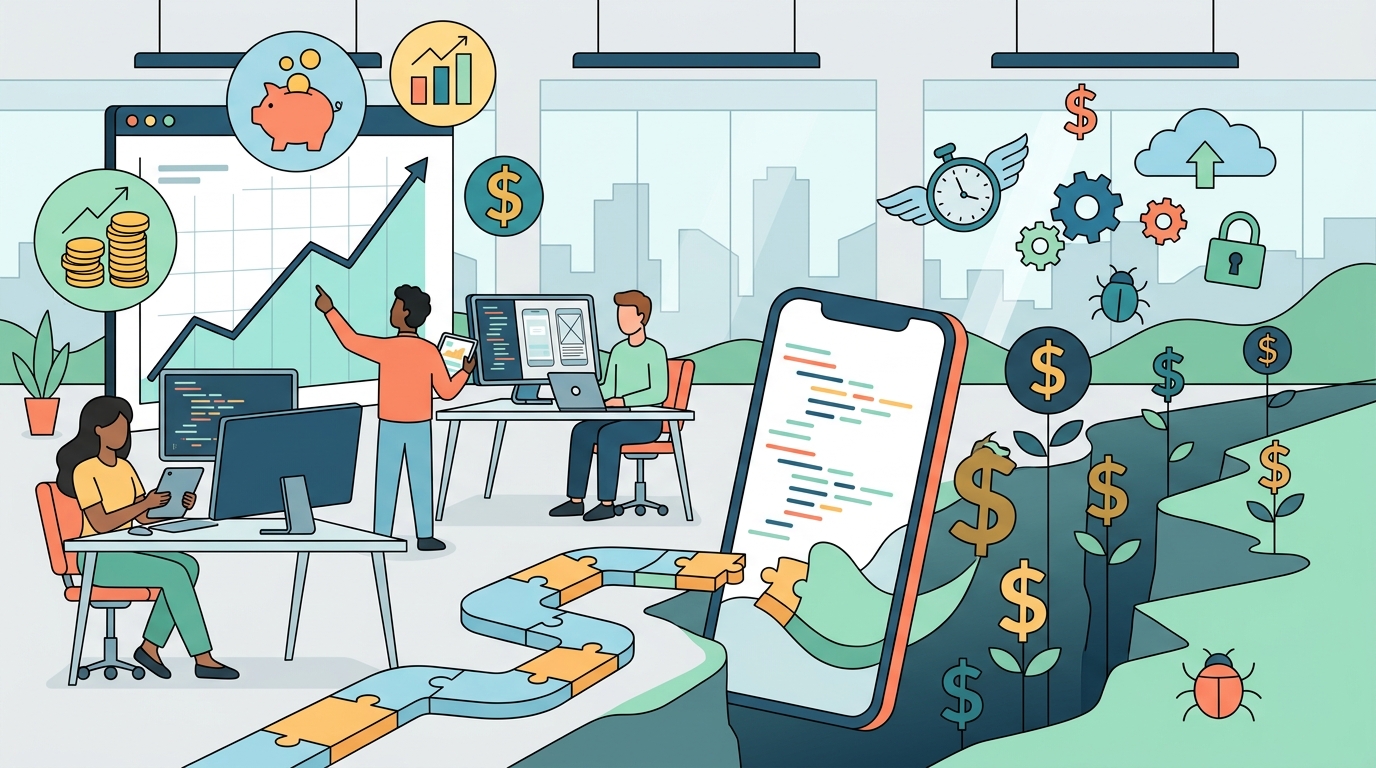
Figuring out how much an app will cost can feel confusing—almost as if there is a secret formula only software developers know. In reality, the answer is straightforward: a handful of key decision points drive the majority of your project’s budget. Factors like feature complexity, target platforms, custom design, and technical infrastructure all dictate the total investment.
By understanding these core cost drivers early on, you can set realistic expectations, avoid budget surprises, and make strategic choices as you bring your digital product to life.
1. Understanding the Main Cost Drivers
No two apps carry the exact same price tag. Some projects require extensive architecture planning and complex backend systems, while others focus heavily on user interface polish or third-party API connections.
Before diving into lines of code, it is critical to grasp the foundational decisions that push costs up or down. A vital first step is ensuring your app idea is clear and well-defined. Defining scope early prevents costly scope creep later in the development cycle.
2. Scope and Feature Complexity
Feature complexity is consistently the single largest factor influencing development costs. Simple, single-purpose apps require fewer engineering hours, smaller teams, and minimal testing. However, as you add functionality, labor hours multiply quickly.
High-impact features that increase cost include:
-
Multi-role authentication: Differing access levels for users, admins, and vendors.
-
In-app payments & subscriptions: Integration with payment gateways and financial processing.
-
Geolocation & mapping: Real-time GPS tracking and spatial data calculation.
-
Custom dashboards & data visualization: Complex data processing and UI rendering.
Each advanced feature requires specialized talent—including backend engineers, UI designers, and QA testers—to ensure seamless execution and data synchronization.
3. Platform Choice and Technical Architecture
Choosing whether to build natively for iOS, Android, or both heavily dictates the engineering effort required:
-
Native Development (Swift/Kotlin): Delivers peak performance and full hardware access, but requires separate codebases for iOS and Android—effectively doubling development effort.
-
Cross-Platform Frameworks (Flutter/React Native): Allows developers to write code once and deploy across both operating systems, cutting development time and upfront costs substantially.
If your application relies on heavy animations, hardware-level access, or high-performance graphics, native development is often necessary despite the higher price tag. Additionally, backend choices—such as server architecture, database structure, and real-time data sync—add layer-by-layer complexity to the total build cost.
4. Custom Design and User Experience (UI/UX)
Modern users expect apps to feel natural, responsive, and visually polished. Achieving high design standards involves much more than just drawing pretty screens—it requires user research, wireframing, interactive prototyping, and extensive revision cycles.
Key UI/UX considerations that affect pricing:
-
Custom Visual Assets: Unique illustrations, branding elements, and tailored icon sets.
-
Complex Micro-Interactions: Custom animations, haptic feedback, and fluid transitions.
-
Accessibility & Responsiveness: Optimizing layouts across dozens of screen sizes, tablets, and dark/light modes.
Investing in solid UX upfront pays dividends down the line; redesigning user flows after code has been written is significantly more expensive than revising wireframes.
5. Third-Party Integrations and APIs
Most modern apps rely on existing tools for specific functionalities—such as Stripe for payments, Twilio for SMS verification, or Google Maps for navigation. While APIs save money by preventing you from reinventing the wheel, integrating them securely still takes time.
Developers must write custom code to connect your app to external systems, handle API edge cases, ensure secure token storage, and build contingency plans for third-party downtime. Furthermore, many third-party services charge ongoing usage or subscription fees that contribute to your operational overhead.
6. Security and Regulatory Compliance
If your app handles sensitive personal data, financial records, or medical information, robust security measures are mandatory. Building a secure environment involves:
-
End-to-end data encryption (at rest and in transit).
-
Multi-factor authentication (MFA) and secure session management.
-
Industry compliance adherence (e.g., HIPAA for healthcare, PCI-DSS for payments, or GDPR/CCPA for privacy).
Security infrastructure increases both the initial build timeline and the depth of testing required. However, proactively securing your app protects your business from costly data breaches and regulatory fines later on.
7. Quality Assurance and Testing
Testing is not a final step before release; it is a continuous process that occurs throughout development. Complex software requires comprehensive Quality Assurance (QA) to ensure reliability across thousands of device types, OS versions, and network conditions.
QA engineers perform:
-
Functional Testing: Ensuring every button, form, and feature operates as intended.
-
Performance & Load Testing: Verifying server response times under heavy user traffic.
-
Edge-Case Validation: Uncovering unexpected user behaviors and preventing system crashes.
Skipping or rushing QA to save budget almost always leads to poor user reviews, high churn rates, and urgent emergency fixes post-launch.
8. Development Team Expertise and Location
Who builds your application directly dictates quality, efficiency, and hourly rates. Experienced product teams may charge higher upfront rates, but they work faster, write cleaner code, and build scalable architectures that prevent expensive rebuilds.
Options typically include:
-
In-House Teams: High control and alignment, but carries maximum overhead.
-
Specialized Development Agencies: Turnkey execution with balanced expertise across product management, design, engineering, and QA.
-
Freelancers/Offshore Developers: Lower initial hourly rates, but requires stronger technical management on your end to maintain code quality.
9. Post-Launch Maintenance and Operating Costs
Development costs do not end when your app goes live in the App Store or Google Play. Ongoing maintenance is required to keep the software operational, secure, and compatible with device updates.
Budget for these post-launch costs:
-
Infrastructure & Hosting: Cloud servers (AWS, Firebase, Azure) and database management.
-
OS Updates: Adjusting code annually for new iOS and Android releases.
-
Bug Fixes & Security Patches: Ongoing maintenance to resolve unexpected issues.
-
Iterative Feature Updates: Adding new features based on real user feedback.
10. How to Control Costs: The MVP Strategy
The most effective way to protect your budget is to start with a Minimum Viable Product (MVP). Instead of building every feature at once, focus on the core value proposition of your application.
-
Define core features: Identify the single main problem your app solves.
-
Build and launch quickly: Get a streamlined version into the hands of real users.
-
Gather feedback: Learn how people actually interact with your product.
-
Iterate strategically: Reinvest budget only into features that users actively request.
Starting lean minimizes financial risk and allows you to build a successful app backed by real user data rather than assumptions.